
ArcGIS Workforce
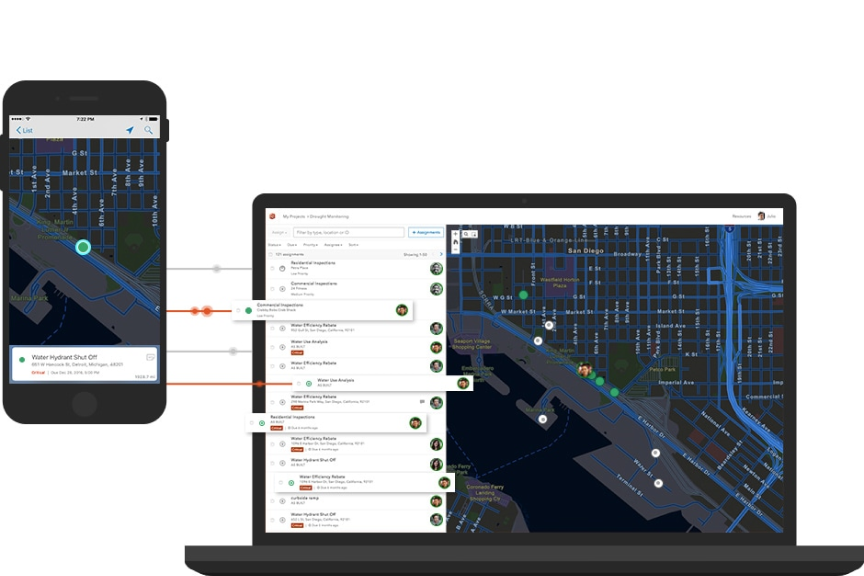
Smarter field workforce coordination at your fingertips
What Workforce can do for you
- A full picture of productivity
- Real-time awareness
- Greater efficiency
- Smart devices, smart workers
- Improved reliability
A full picture of productivity
A common view from the field and the back office makes the right things happen. The right worker goes to the right place with the right tools to do the right job. And, because everyone is working from the same right data, you avoid costly errors and inefficiencies.
Real-time awareness
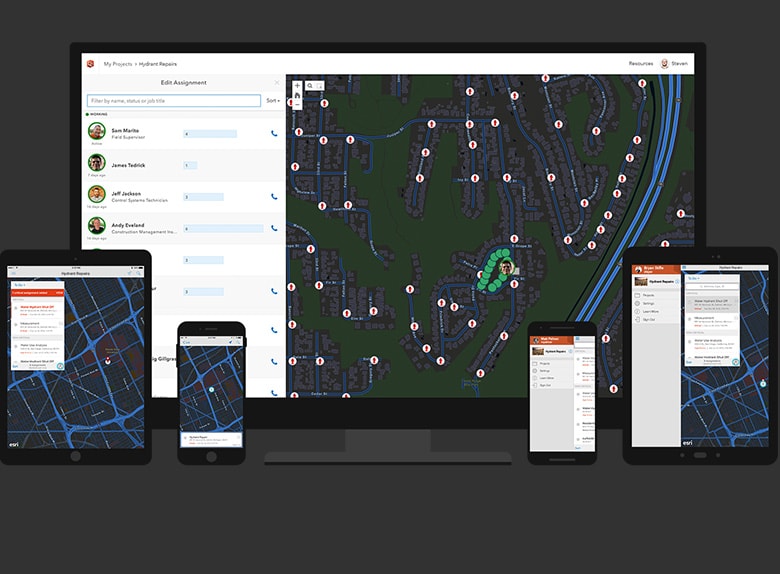
Gain insight from the office into field activities so you are always aware of the status of fieldwork. When priorities change due to unanticipated events, you are ready to respond. You have a clear view of task priorities and field crew locations to get things quickly back on track.
Greater efficiency
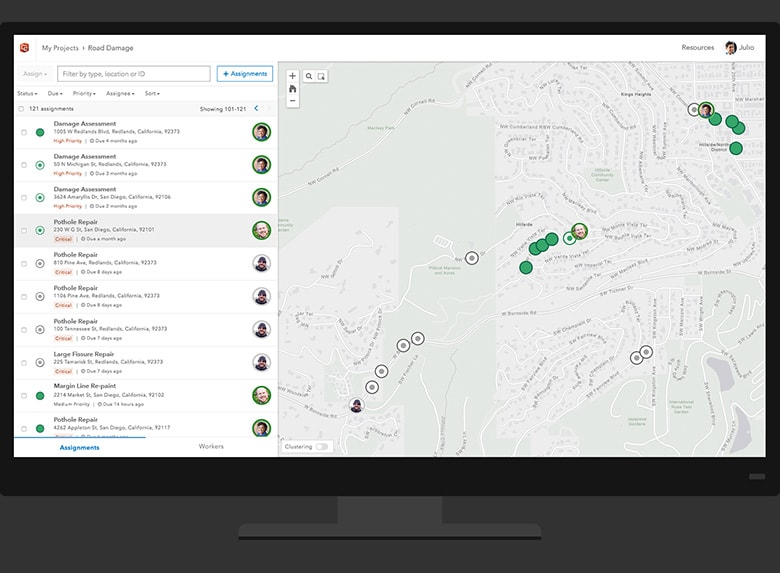
When you streamline the process of managing and assigning field work, it saves time for everyone. Fieldwork projects are created and distributed into discrete assignments. Then, fieldworkers receive and report on assignments through smart devices.
Smart devices, smart workers
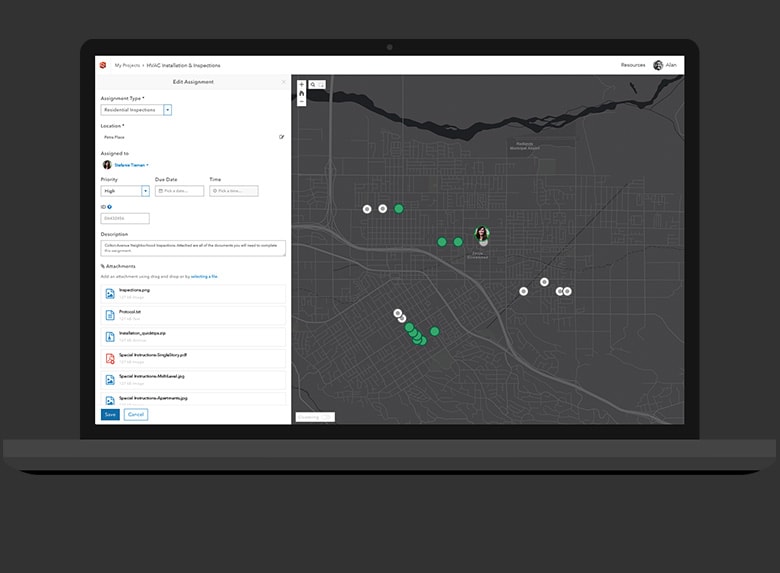
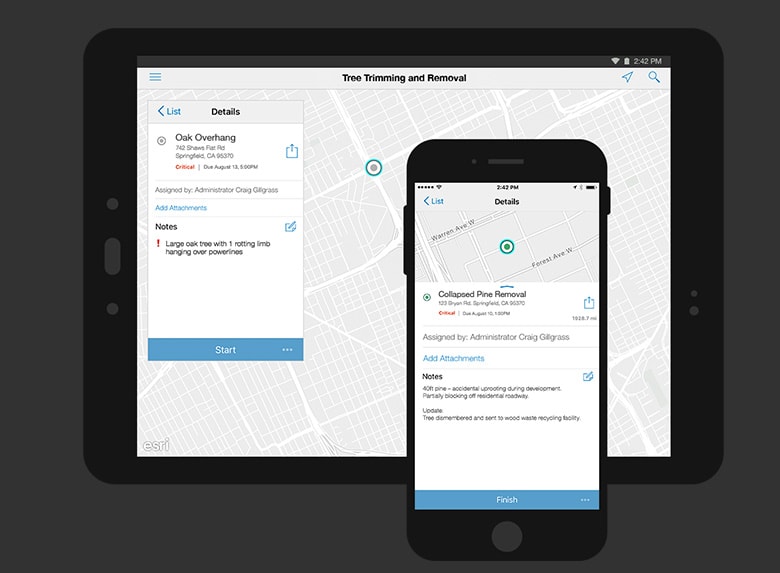
Fieldworkers carry their maps and assignments on smartphones or tablets, making it easy and convenient for them to stay organized, report progress, call for assistance, and stay productive. Say ‘goodbye’ to those paper-based processes that caused too many errors and inefficiencies.
Improved reliability
Surpass expectations and build trust with your customers through improved reliability and consistency in the completion of fieldwork. Effective project management, with real-time insight into field activities, gives you the power to meet service commitments.
How Workforce works

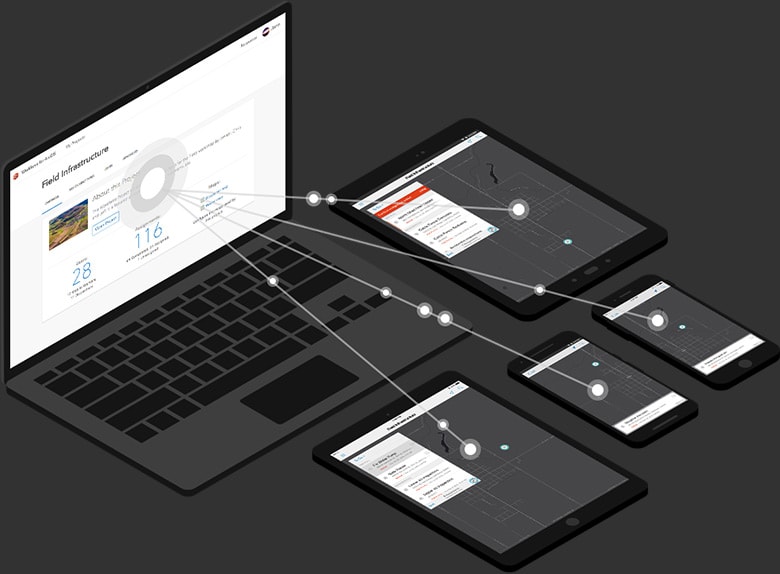
Dispatchers use a web app to create assignments and send them to mobile workers while also tracking the location of workers in real time.
Create your first assignment
Mobile workers use an app to complete To Do lists and get work assignments on their mobile devices. Dispatchers get progress updates.
Complete your first assignment
Dispatchers and mobile workers use the same Workforce project, created by the Project Owner. It defines the work type and worker roles.
Create your first project
Better together
Use these focused ArcGIS apps in combination with ArcGIS Workforce to maximize efficiency in your field workforce.
View field mobility solutionsArcGIS Navigator
Get precise directions to work sites, even on private roads. Save time and money by using optimized routes.
Learn more about ArcGIS NavigatorArcGIS Field Maps
Mobile workers can select tasks from To Do lists in Workforce, launch this mapcentric app to collect and update data at work sites, then easily return to Workforce once tasks are completed.
Learn about ArcGIS Field MapsArcGIS Survey123
Complete field data collection using this form-centric app. It fits the needs of field personnel in diverse environments.
Learn more about ArcGIS Survey123ArcGIS Dashboards
A real-time dashboard allows you to make decisions at a glance by monitoring, tracking, and assessing field activities.
Learn more about ArcGIS Dashboards